Main settings
Account
This section displays your login details, the credit balance for rejection selection, and the credit balance for cloud retouching. To log out, click Sign out.
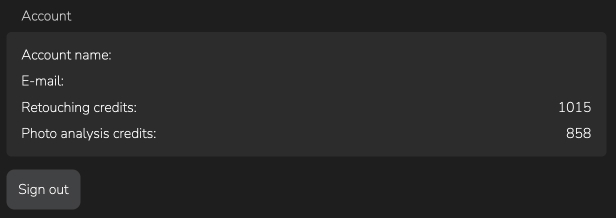
Account section
Analysis
When creating a project, you can enable automatic tag detection, facial feature analysis, and general photo analysis to determine poses and characteristics for assigning a rating.
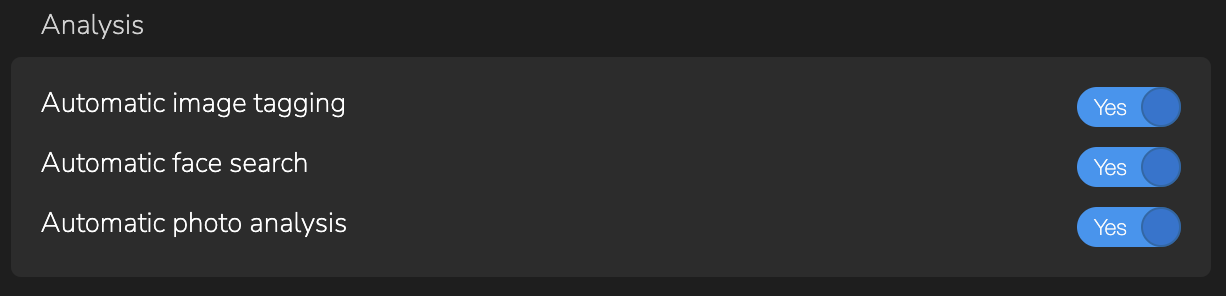
Analysis Section
Appearence
In the dropdown menu, you can select the interface language that is most convenient for you.

Filter
Photo settings reset when the Filter button is pressed again.

External apps
If you have a third-party graphic editor and plan to use it after processing photos, you can specify it by clicking the Change button or add a new one using the Add Editor button.
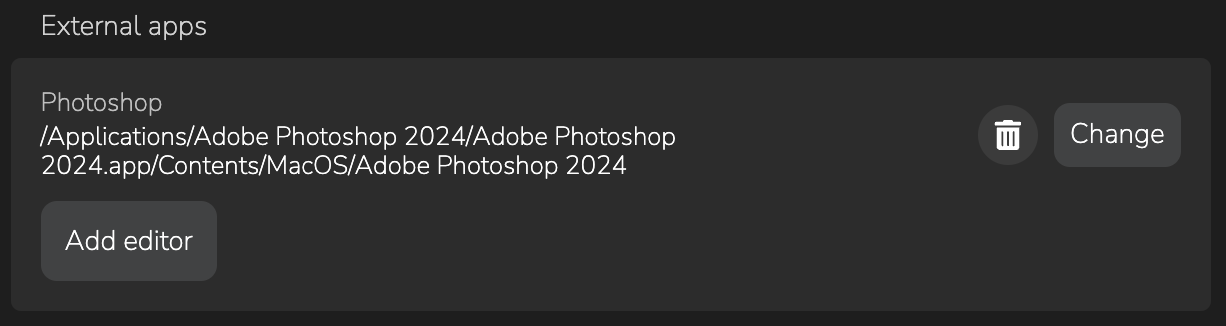
External apps section
Other
Here you can select additional settings for convenience: opening the last used project on startup, sending anonymous statistics to improve and support Arams, and enabling automatic update checks.
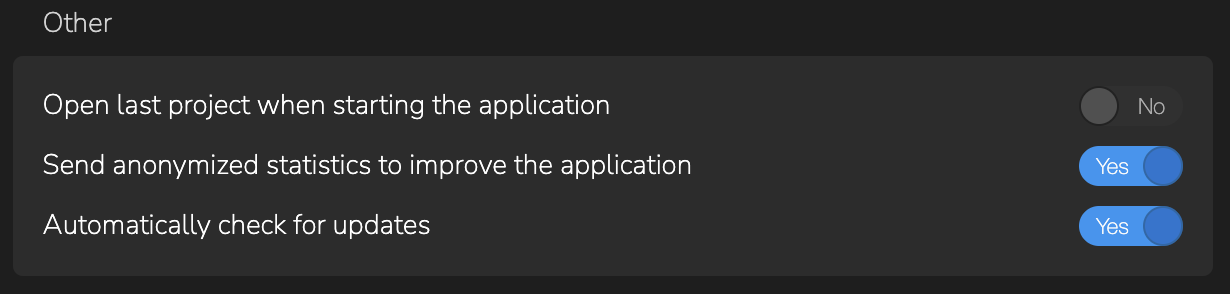
Other section
Metadata
Metadata sync
You can choose the preferred format for saving photo metadata: XMP or Auto
Metadata export
To add your data when exporting photos, specify authorship and contact information.
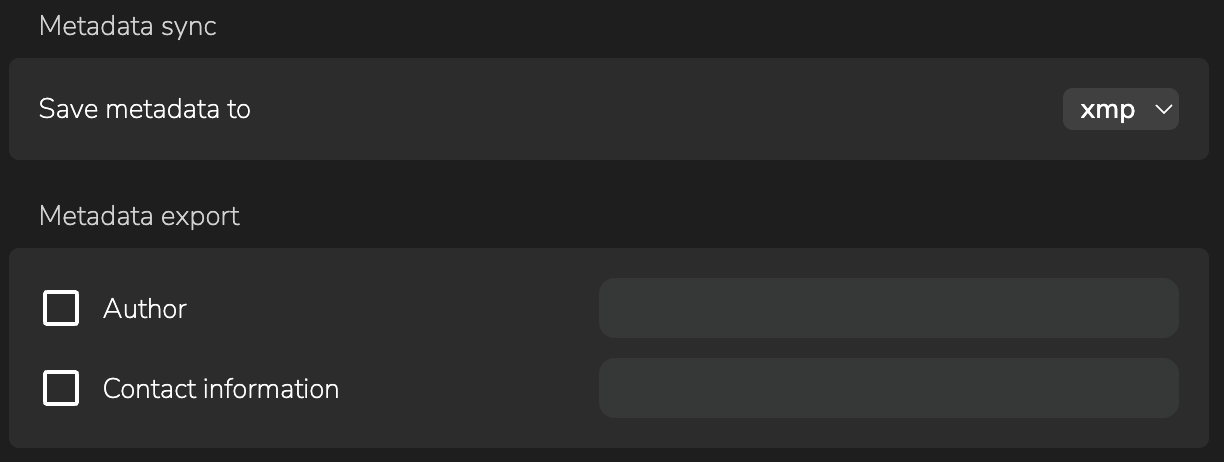
Metadata sync section
RAW support
You can enable RAW format support for photo processing in this section.

Experimental section