Plugins
Here, you can enable or disable plugins that are already installed on your computer or through the cloud.
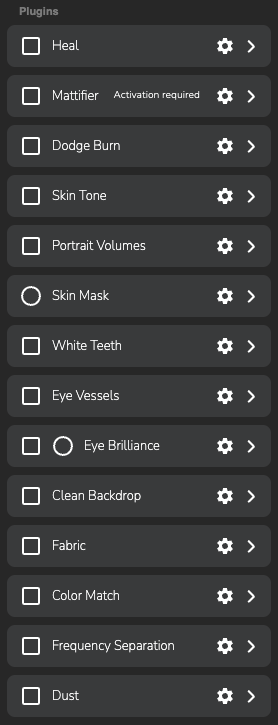
Retouch plugins
To apply a plugin, simply check the box next to the name of the plugin you're interested in.
On the right side, you can click the dropdown menu button to view its properties and, if necessary, edit them.
If you need to open the plugin separately for more precise adjustments, click the button with the gear icon.
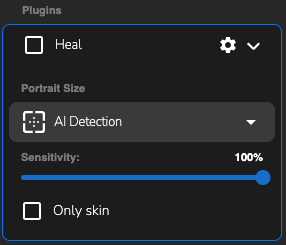
Plugin properties using the «Heal» example