Presets
Arams allows you to save plugin settings for future processing, so you don't have to manually adjust the parameters each time.
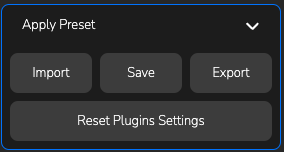
Presets section
Click on the Apply Preset section to see the operation buttons:
Import- To import a previously used preset from AramsSave- Save the current plugin settings and give the preset a name. The preset will appear in this window above for quick selection.Export- Export the current preset to your computerReset Plugins Settings- Reset the plugin settings
By right-clicking on a saved preset, you can choose the following options: Select, Rename, Update with current settings, Delete