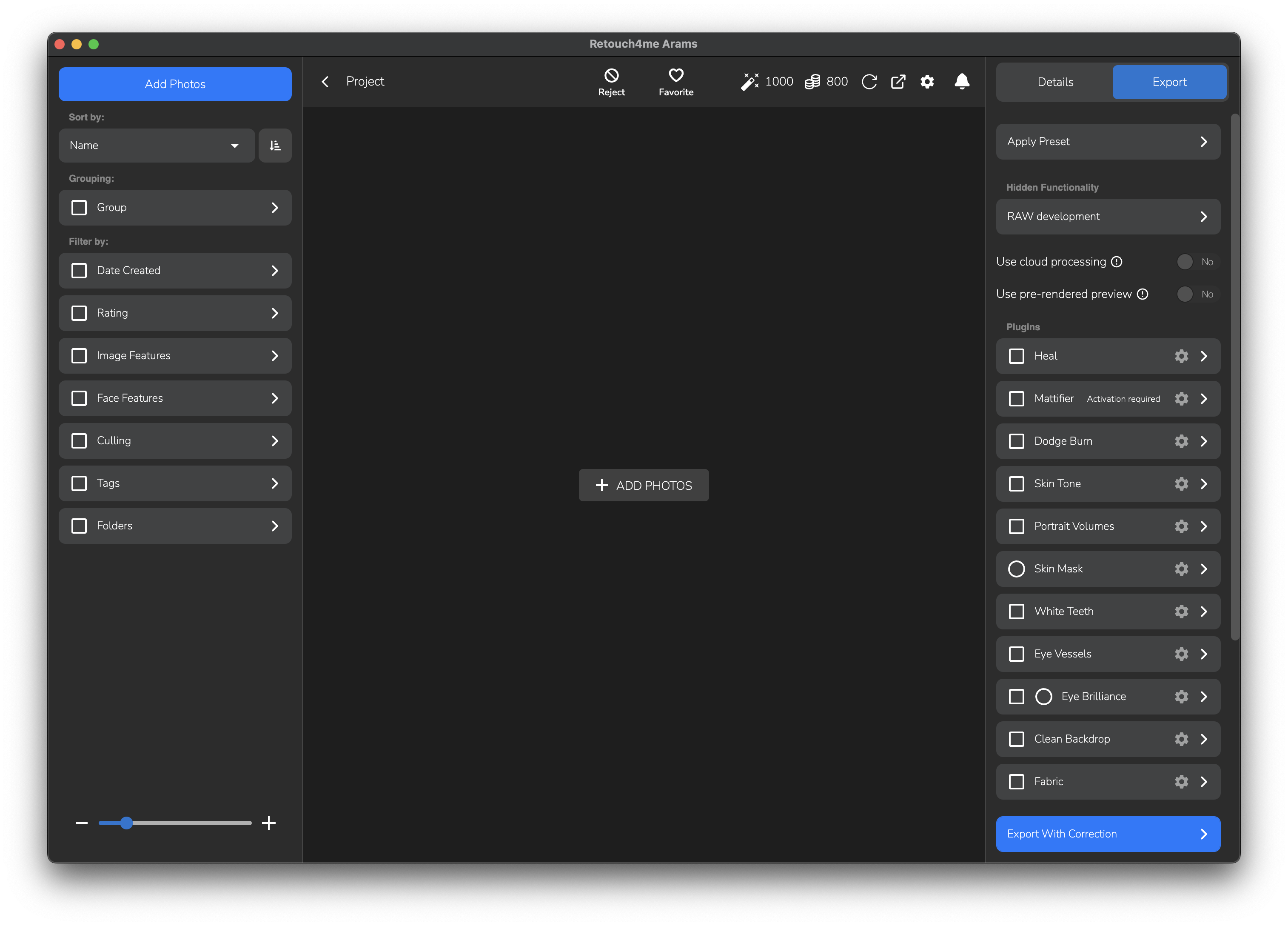
Creating a Project
When creating a project, Arams creates a folder with the project data. Your photos are not copied into this folder; they remain in their original directory on your PC or flash drive.
Click the Create a project button
Or drag the folder with photos into the Arams window. If you already have an existing project, you can add it using the Import project button.
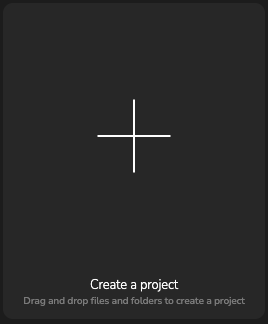
Create a project button
To change the project storage path, click Location uncheck the Use default path option, and click the Select button to choose a new location.
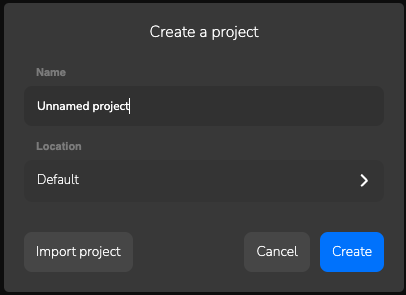
Create a project window
New blank project